What is a fantasy outfit maker for live webcam TTRPG?
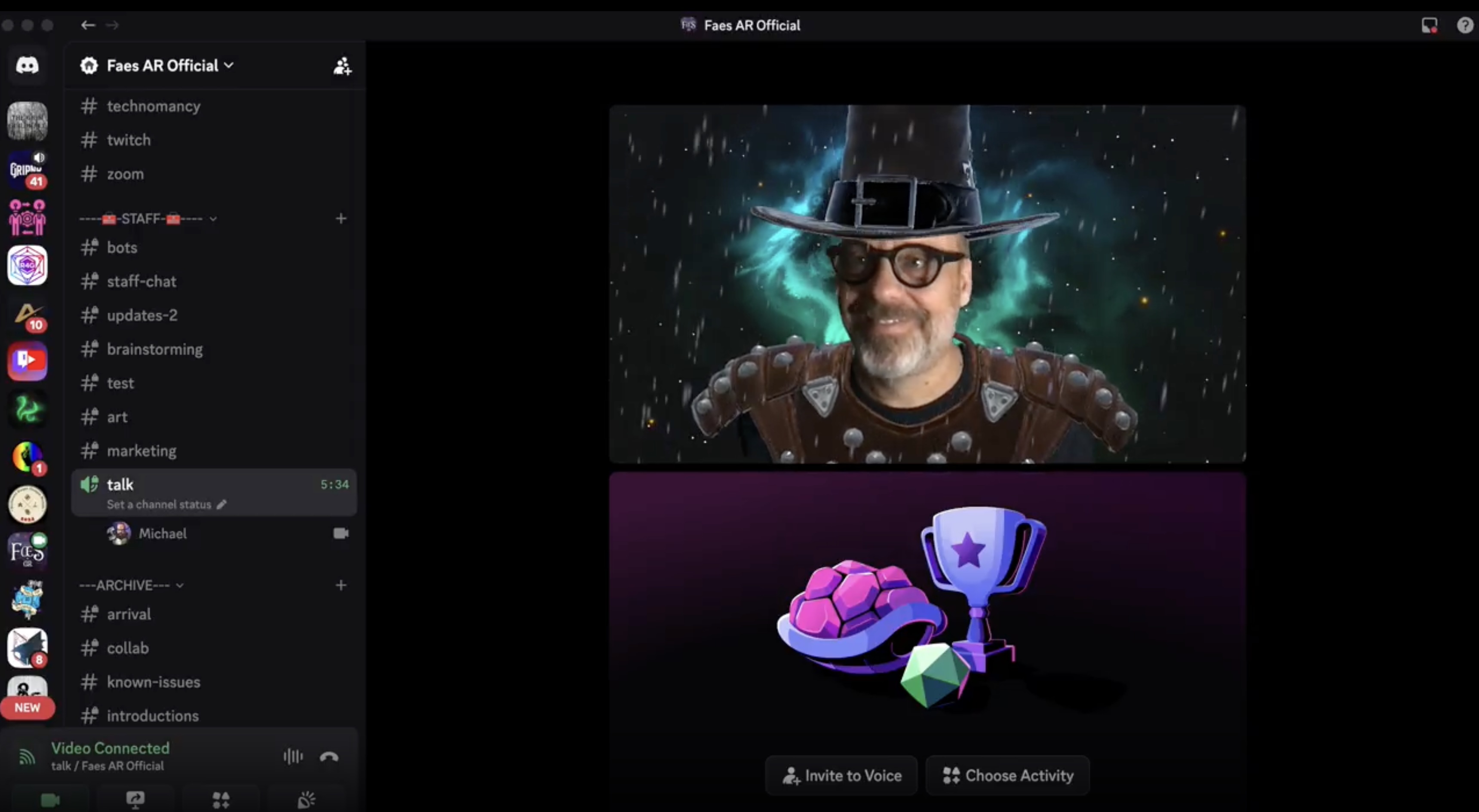
Faes AR is a desktop app that lets you wear persistent digital outfits, effects, and character elements on your live webcam feed. It outputs through a virtual camera into Discord, Zoom, OBS, or any platform that accepts webcam input. The look is set once and maintained across the session without re-rendering.
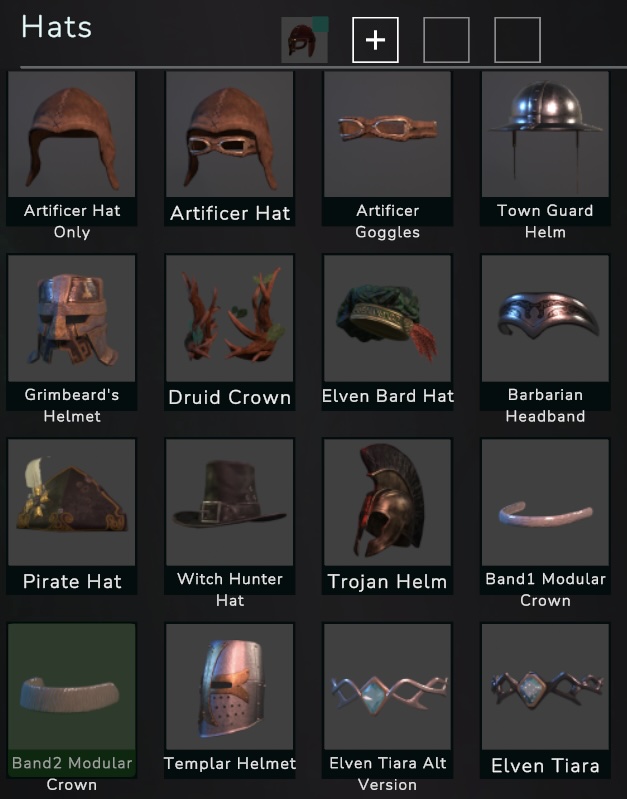
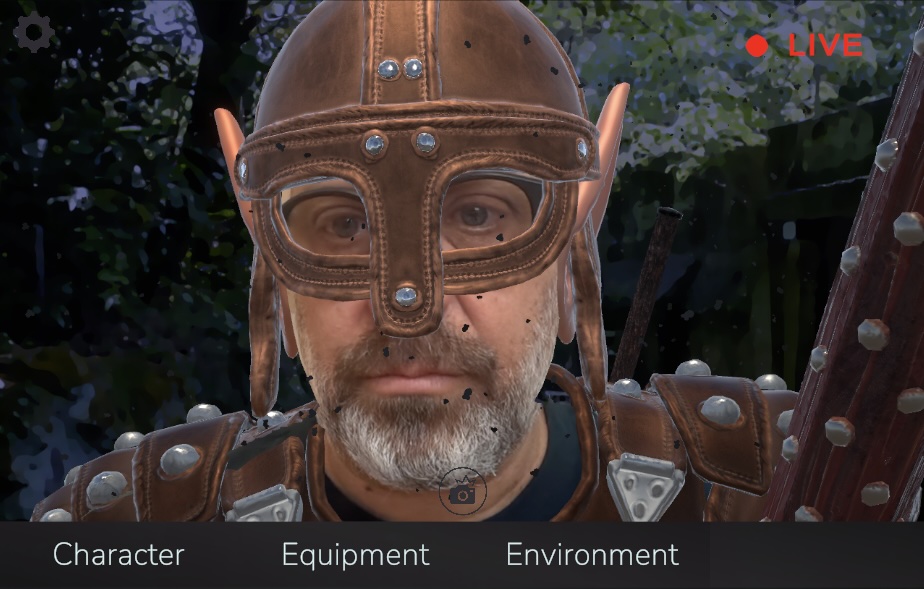
You remain fully visible and expressive on camera. The outfits, armour, masks, effects, and backgrounds layer on top of your live feed, anchored to your face and body through real-time tracking. This is not a filter that resets every few seconds. It is a persistent identity layer built for multi-hour sessions.
Common questions
Can I look like my character on webcam while still being visible?
Yes. Faes AR layers digital outfits and effects on top of your live webcam feed. Your face, expressions, and body language remain visible throughout. It enhances your appearance rather than replacing it.
Will it work with my Discord setup?
Faes AR outputs through a virtual camera. Any platform that accepts a webcam feed will accept Faes AR's output. This includes Discord, OBS, Zoom, Google Meet, and Twitch.
How do I maintain the same character look across multiple sessions?
Faes AR saves your character setup as a preset. Once you have configured your outfit, effects, and positioning, you load that preset at the start of your next session. Your look is exactly as you left it, with no re-setup required.
Can I switch between different character looks during a session?
You can save multiple character presets and switch between them. GMs who portray several NPCs per session use this to give each major character a distinct visual anchor. Switching is immediate and does not interrupt your camera feed.
What happens if I want to appear as a different NPC each scene?
Build a preset for each NPC you want to portray. When the scene shifts, load the next preset. Players see the change in real time. This is one of the most specific use cases GMs report using during sessions.
For more on visual NPC differentiation, see our guide on making NPCs visually distinct in online sessions.
Is there a subscription or ongoing cost?
No. Faes AR is a one-time lifetime license. All current assets and future updates tied to that license are included. There is no recurring fee to continue using the app or the assets you already have.